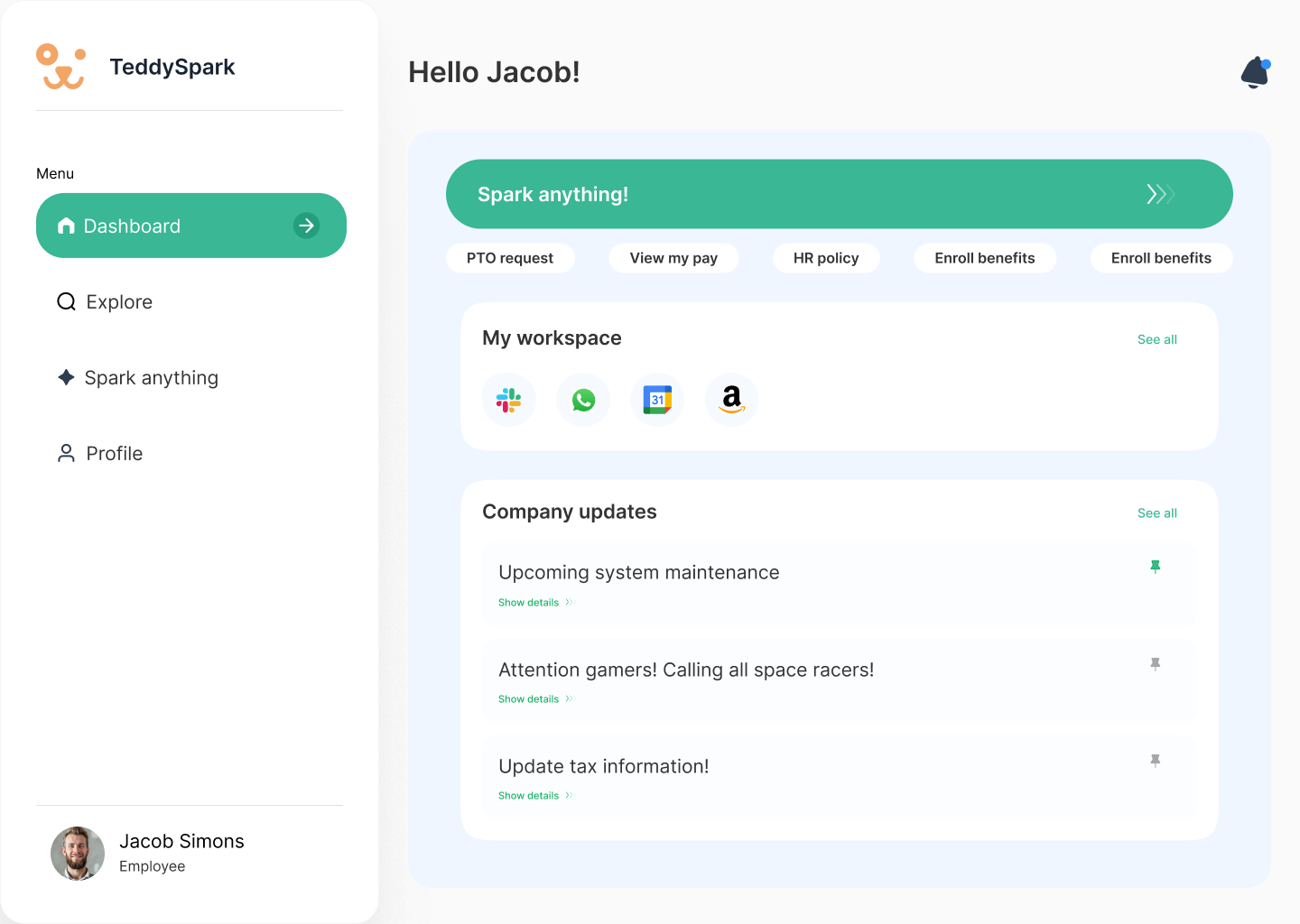
Unifying fragmented employee workflows in one coherent shell.
Corporate staff often struggle with fragmented intranet software: one tool for submitting leave, another for finding internal policy documentation, and a third for organizational announcements. Teddy Spark was designed as a modern employee portal centering on conversational assistance and immediate document discovery.
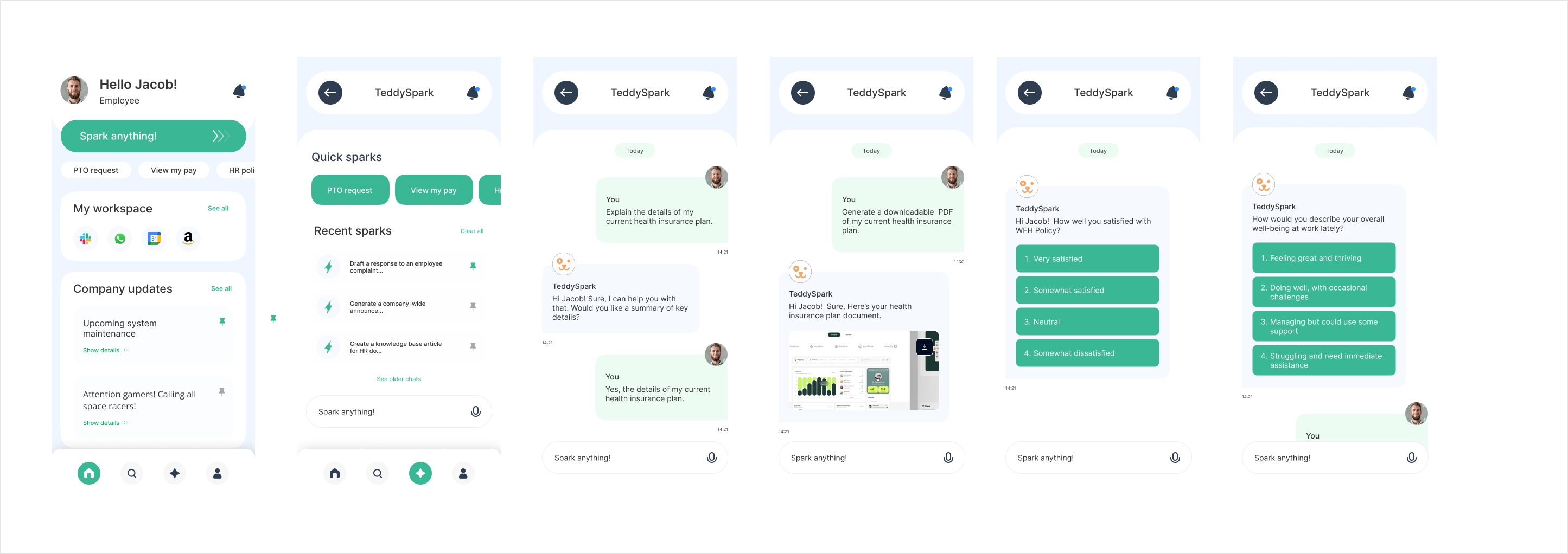
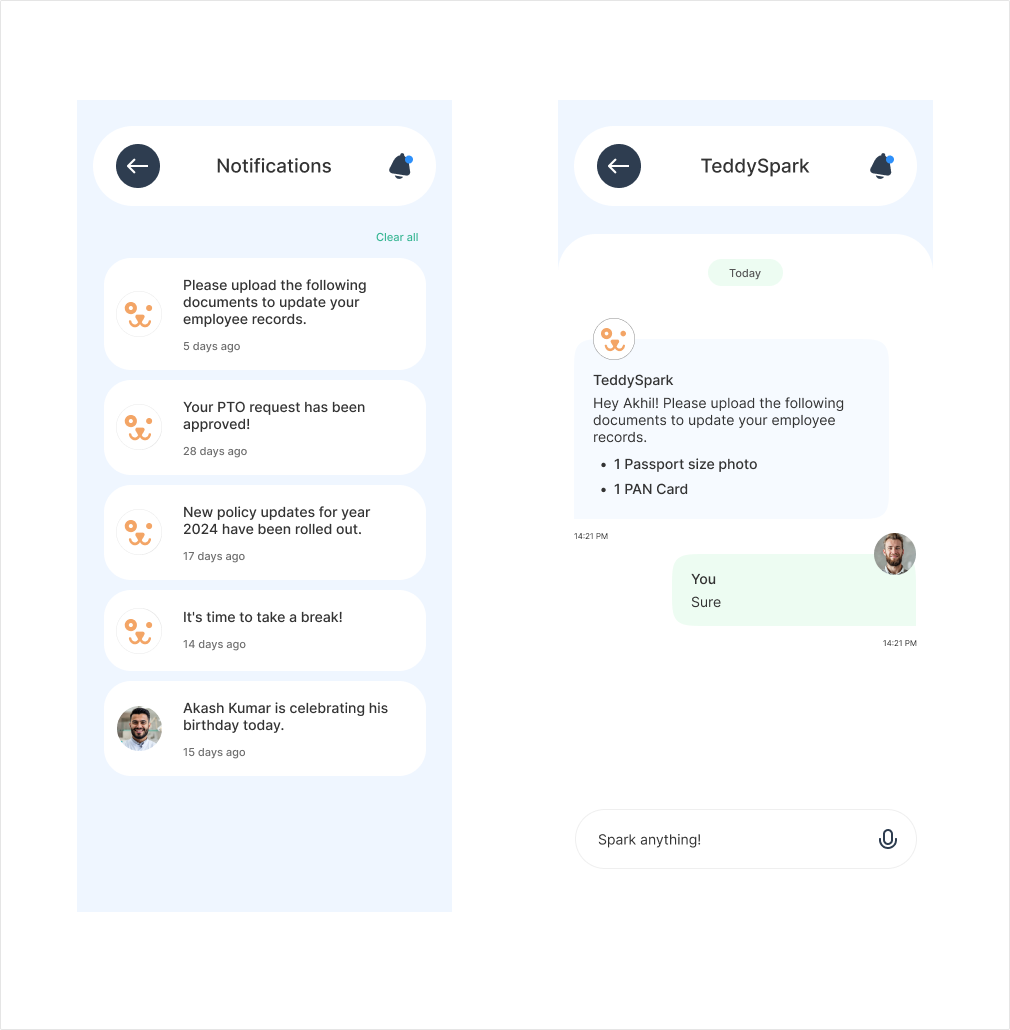
Conversational AssistanceThe “Spark anything” assistant flow.
Rather than hunting through nested HR forms, employees can initiate leave requests, benefits questions, or equipment orders through an assistive prompt bar that surfaces guided action steps.
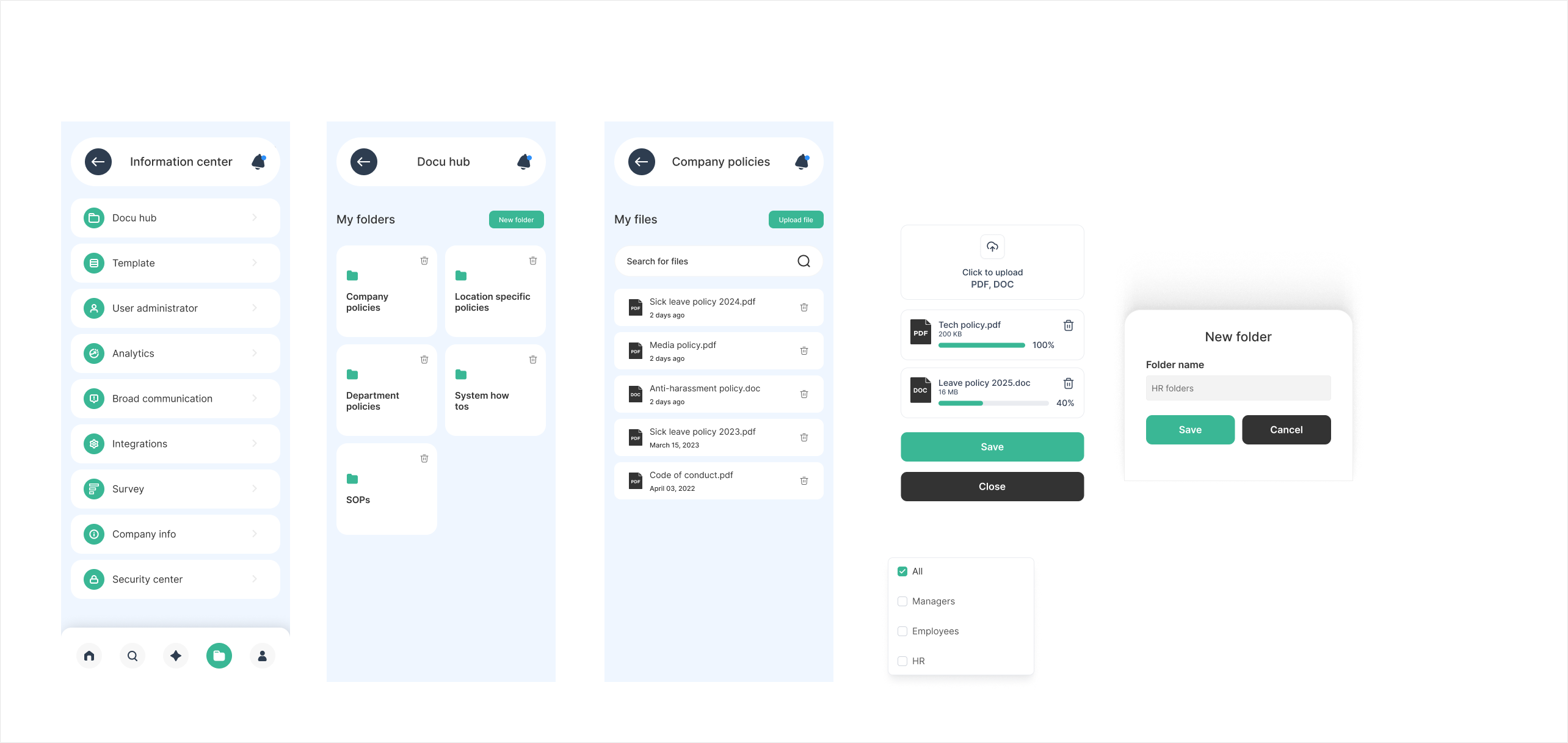
DocuHub: Structured corporate document access.
The document hub brings corporate policies, benefits handbooks, and signed agreements into a clear file hierarchy with live search filtering, drag-and-drop upload states, and contextual permission badges.
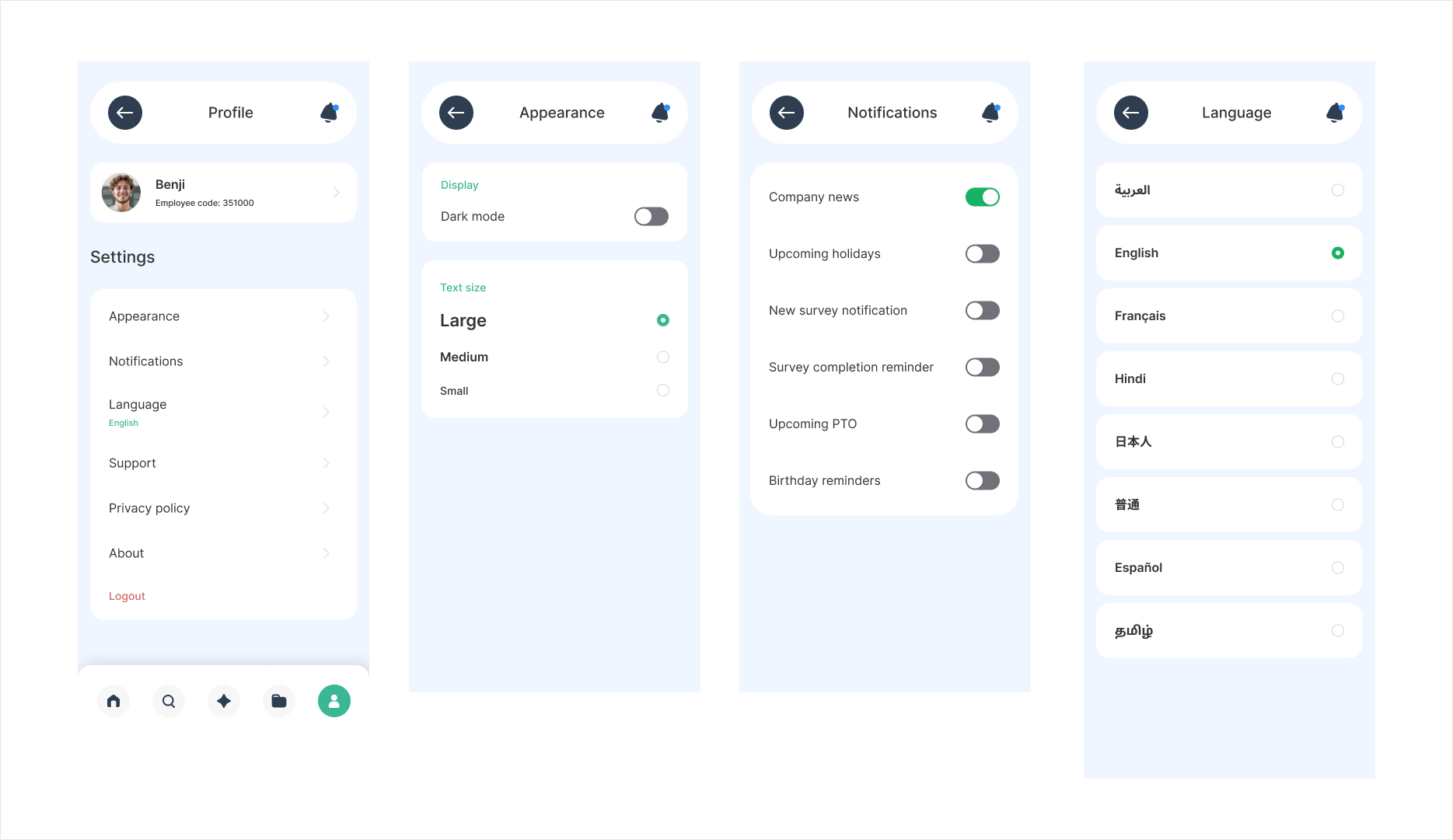
Accessibility settings and real-time updates.
The settings interface allows employees to customize their interface experience: adjusting text sizes, notification channels, and language preferences. The notifications tray organizes team updates and action items chronologically.
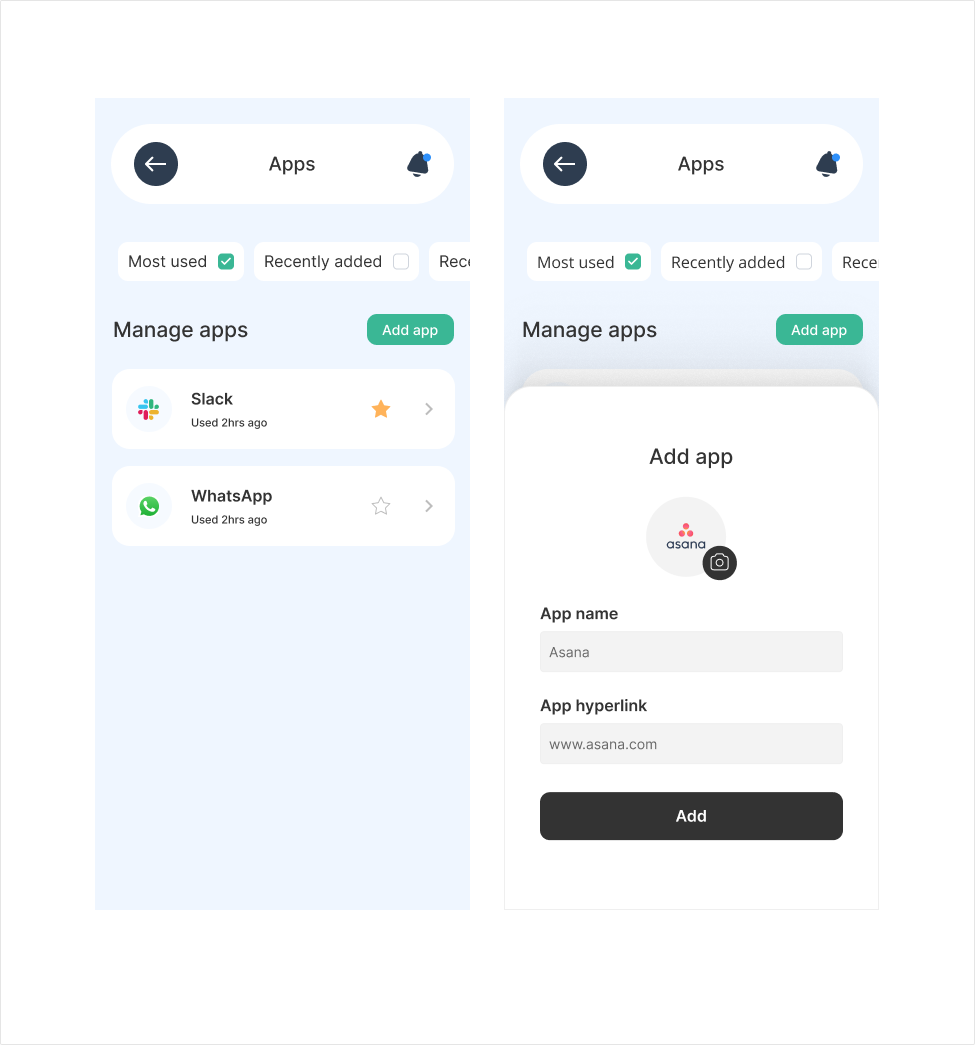
Connected HR application ecosystem.
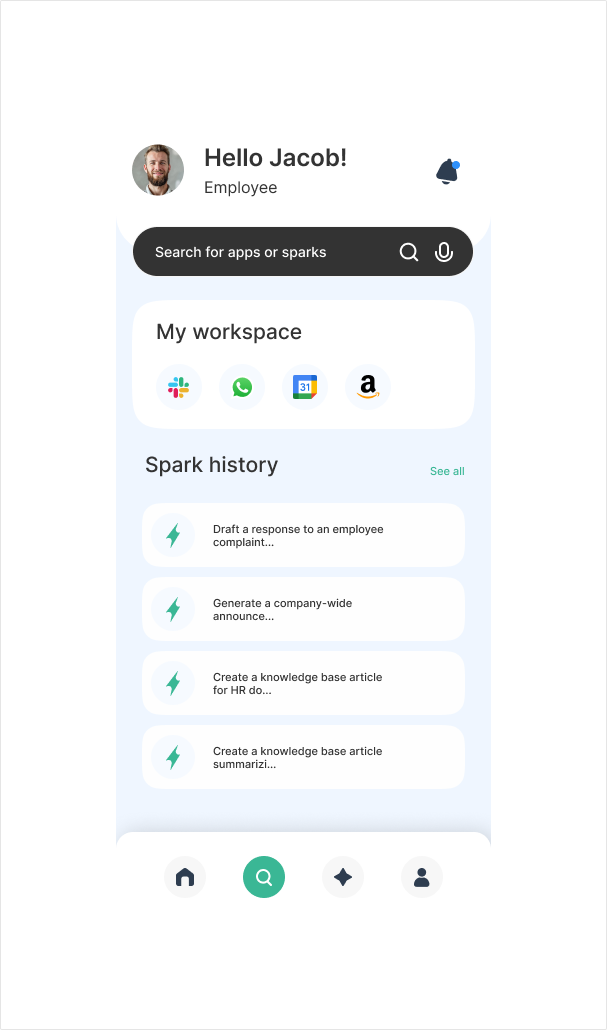
The HR apps interface provides quick shortcuts to connected payroll, training, and productivity tools, standardizing how external services live inside the employee workstation.